
Python Fundamentals Series · Part 7 of 12
Python #6: For Loops, range(), break, continue & else Explained | From Basics to Advanced Concepts
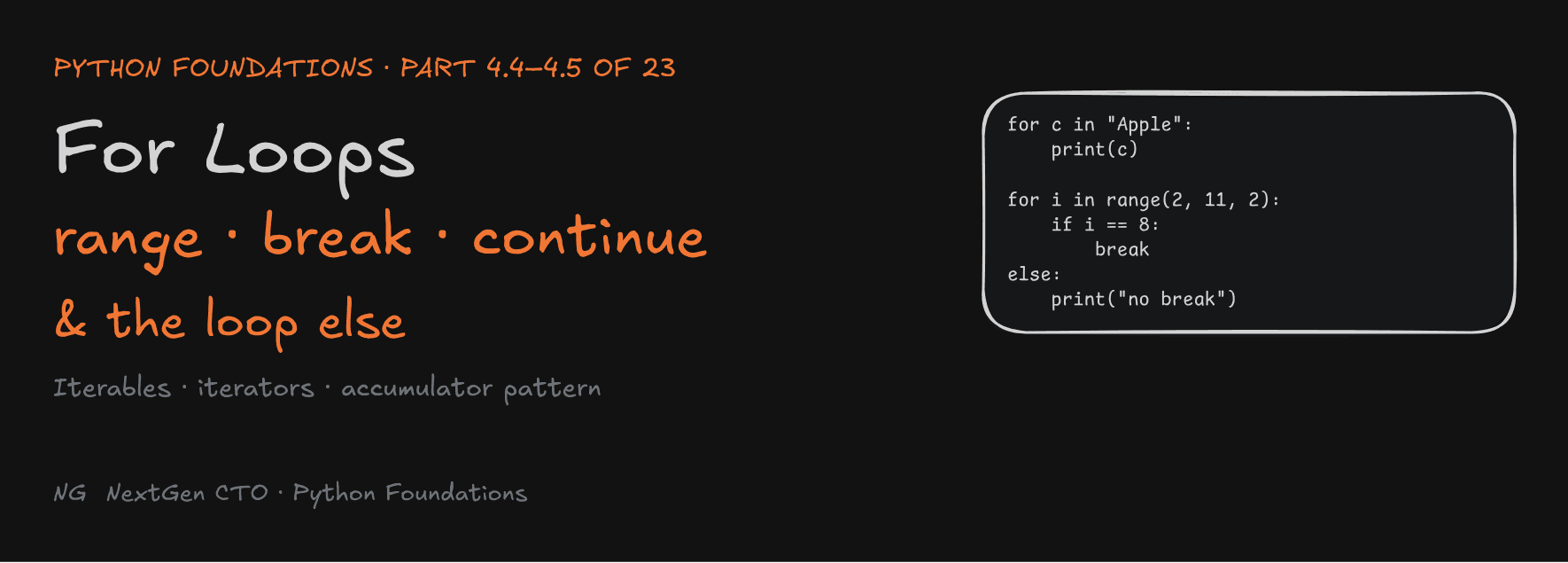
Python Foundations · Part 4.4–4.5 of 23
For Loops, range(), break, continue and the Loop else
How a for loop really gets its next item, why range(1_000_000) takes almost no memory, and the else clause most languages don't have.

"Sabka saath, sabka vikas." Everyone's support, everyone's growth.
Part 4.3 covered the while loop, which you use when you don't know how many times to repeat. This part covers its partner, the for loop (4.4), and then the three statements that let you control any loop: break, continue and else (4.5). Section 4 ends here.
Part 4.4 — For Loops
What Is a For Loop?
A for loop repeats code for each item in an iterable. Think of an iterable, for now, as a collection of items you can go through one by one: a string, a list, a range.
It's useful for:
- processing sequences: every character in a string, every item in a list
- repeating code a fixed number of times
The big difference from while: Python moves to the next item automatically. You don't initialize a counter, and you don't update it.
for item in iterable:
    # loop body: runs once per item
while vs for: The Manual Counter Disappears
To go through the characters of "Apple" with while, you manage the index yourself:
x = "Apple"
i = 0                    # initialization
while i < len(x):        # condition
    print(x[i])
    i = i + 1            # update, done manually
With for, all of that disappears:
for c in "Apple":
    print(c)
Output: A, p, p, l, e, one per line.
How It Works: The Factory
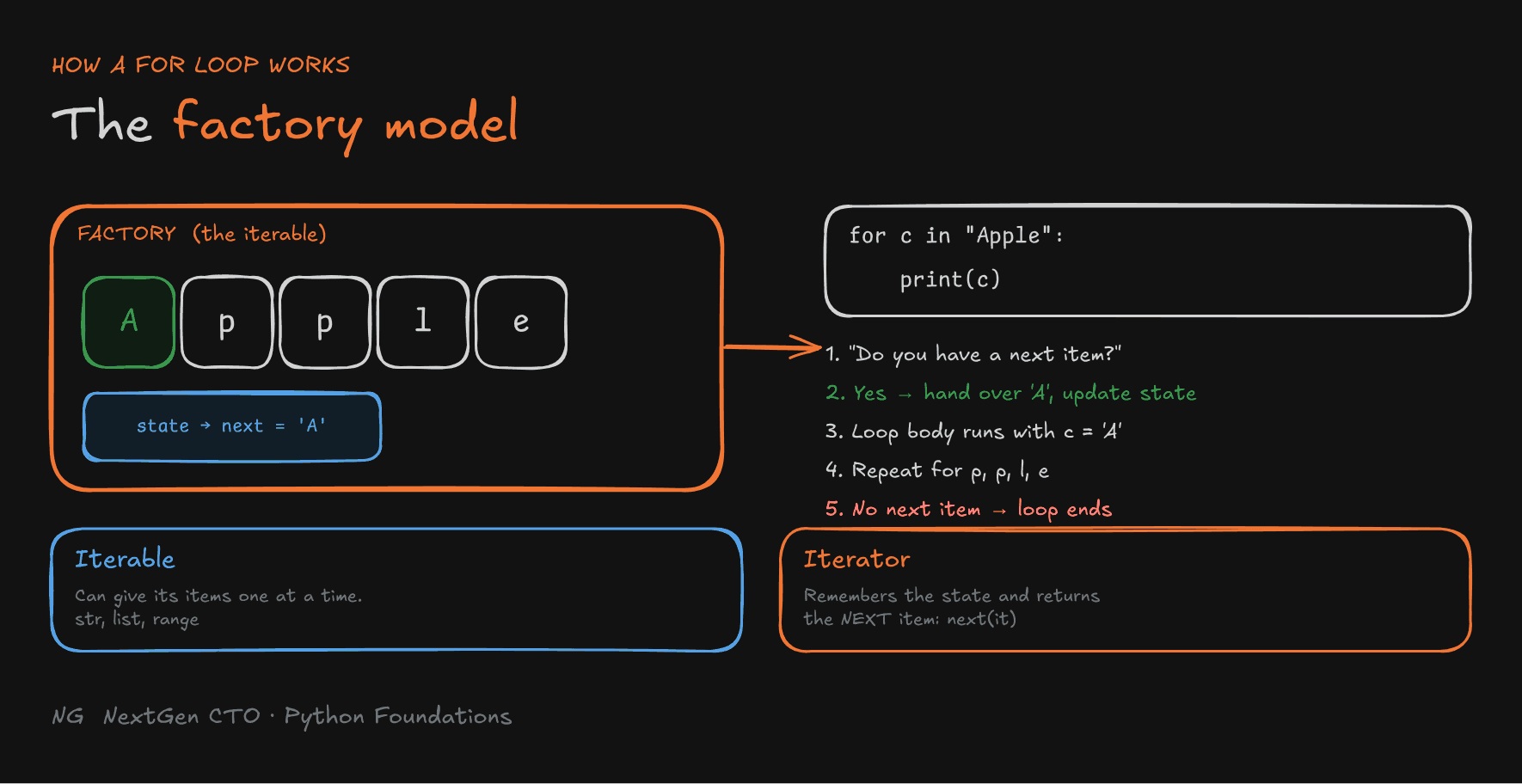
Picture the iterable as a factory holding the items. The factory also remembers one thing: which item to hand out next. That memory is its state.
- The
forloop asks the factory: "Do you have a next item?" - Yes: the factory hands it over (
A), and updates its state to point to the next item. - The loop body runs with that item.
- Repeat:
p,p,l,e. - No next item: the factory says it's done, and the loop ends.
You never update anything yourself. The factory keeps the state.

Iterable vs Iterator
Two words you'll hear a lot:
- Iterable: an object that can provide its elements one at a time, so you can traverse it with a
forloop. Strings, lists andrangeare iterables. It's the factory with the goods. - Iterator: the object that remembers the iteration state and returns the next element when asked. It's the part of the factory tracking "what comes next".
You can see this yourself:
it = iter(range(3))   # get an iterator from an iterable
print(next(it))       # 0
print(next(it))       # 1
print(next(it))       # 2
next(it)              # StopIteration: nothing left, so a for loop stops here
A for loop does exactly this behind the scenes. You'll build your own iterators later in the course.
Generating Numbers with range()
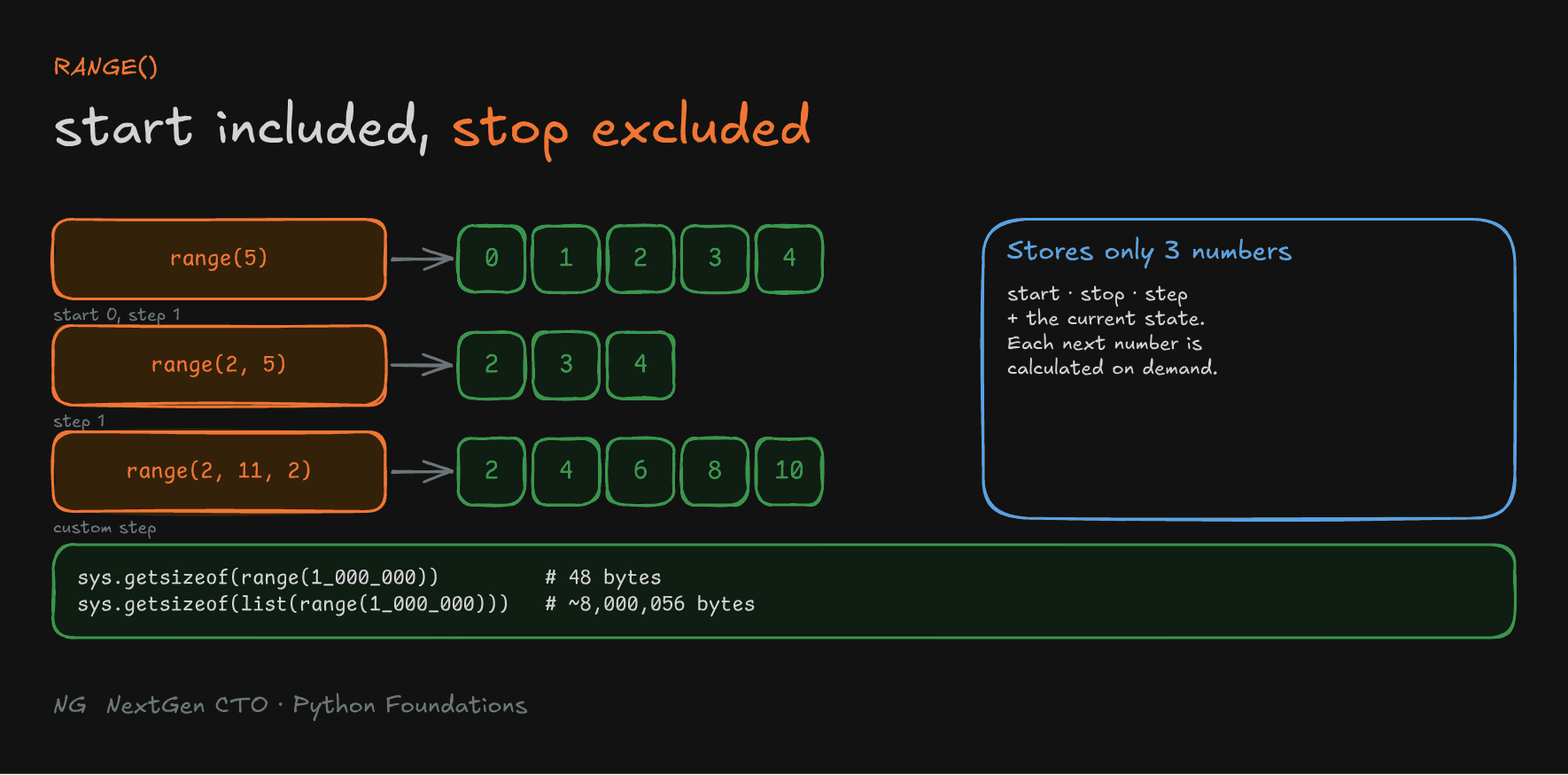
range() represents a sequence of integers, and is the standard way to repeat code a fixed number of times. It has three forms:
startis included,stopis excluded, just like slicing.stepis the difference between consecutive numbers.
# all even numbers from 1 to 100
for i in range(2, 101, 2):
    print(i)
range doesn't create the numbers in memory. It stores only start, stop and step, plus its current state, and calculates each next number when asked. That's the factory model again:
import sys
print(sys.getsizeof(range(1_000_000)))        # 48 bytes
print(sys.getsizeof(list(range(1_000_000))))  # ~8,000,056 bytes
Looping a million times costs almost no extra memory.

Reverse Iteration
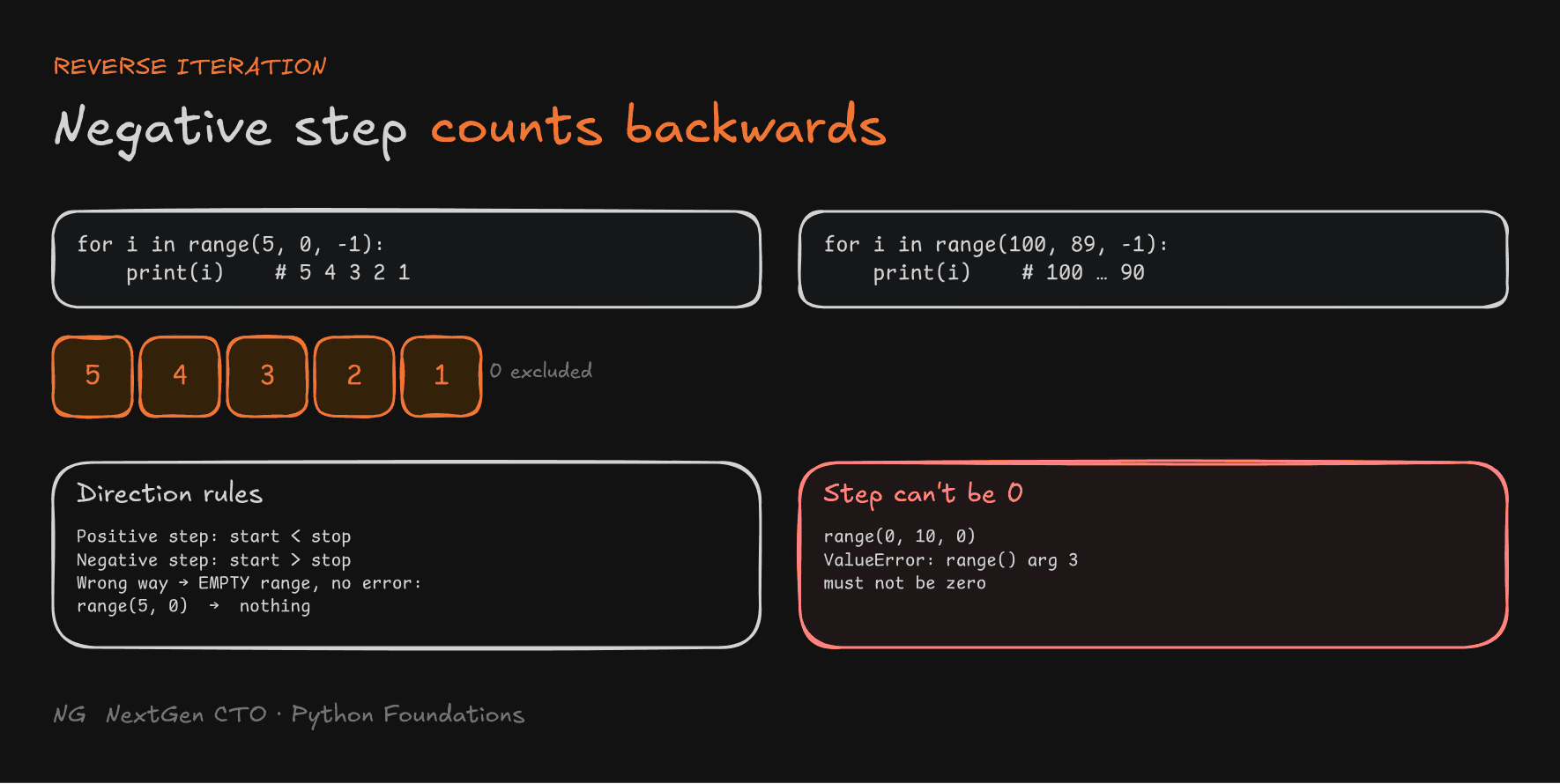
Use a negative step to count backwards:
for i in range(100, 89, -1):
    print(i)        # 100, 99, 98 … 90  (89 is excluded)

for i in range(5, 0, -1):
    print(i)        # 5, 4, 3, 2, 1
Two rules to keep in mind:
- Positive step:
startmust be smaller thanstop. Negative step:startmust be bigger thanstop. Get it wrong and the range is simply empty:range(5, 0)gives nothing, with no error. - The step can't be 0.
range(0, 10, 0)raisesValueError: range() arg 3 must not be zero.

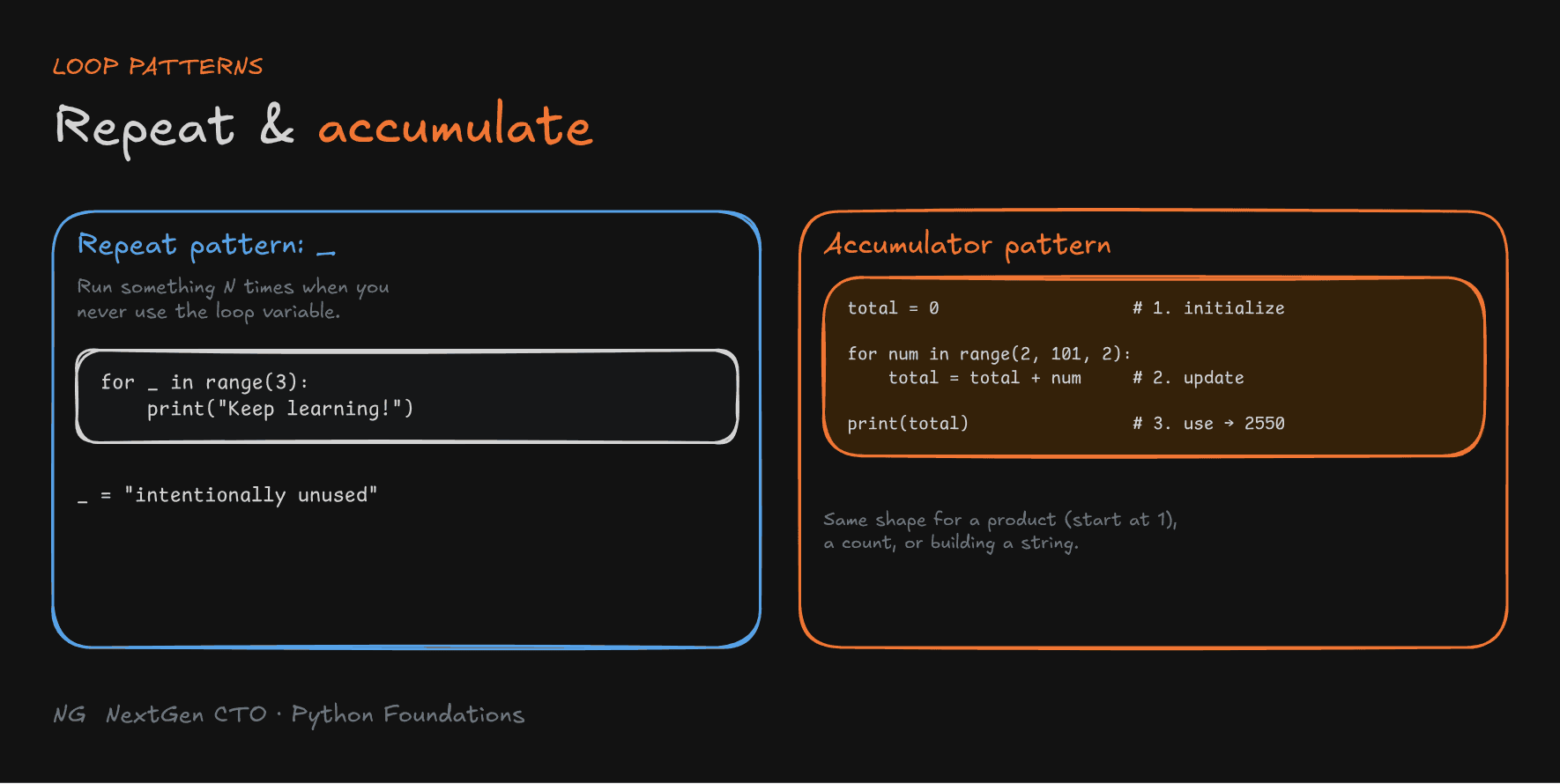
The Repeat Pattern: _
Sometimes you just need to run something N times, and you never use the loop variable. Name it _:
for _ in range(3):
    print("Keep learning!")
_ tells every reader: "this variable is intentionally unused". It's a small readability win, very much in the spirit of the Zen of Python.
The Accumulator Pattern
To build a running total:
- Initialize an accumulator before the loop.
- Update it in each iteration.
- Use the final result after the loop.
total = 0                          # 1. initialize

for num in range(2, 101, 2):
    total = total + num            # 2. update

print(f"Sum of even numbers from 1 to 100 is {total}")   # 3. use → 2550
The same pattern works for a product (start at 1 and multiply), a count, or building up a string.

Part 4.5 — Controlling Loops: break, continue, else
Normally, a loop runs every iteration. Python gives you three statements to change that, and all three work with both for and while:
break: stop the loop entirely.continue: skip the rest of the current iteration, and move on.else: run code when the loop finishes without abreak.
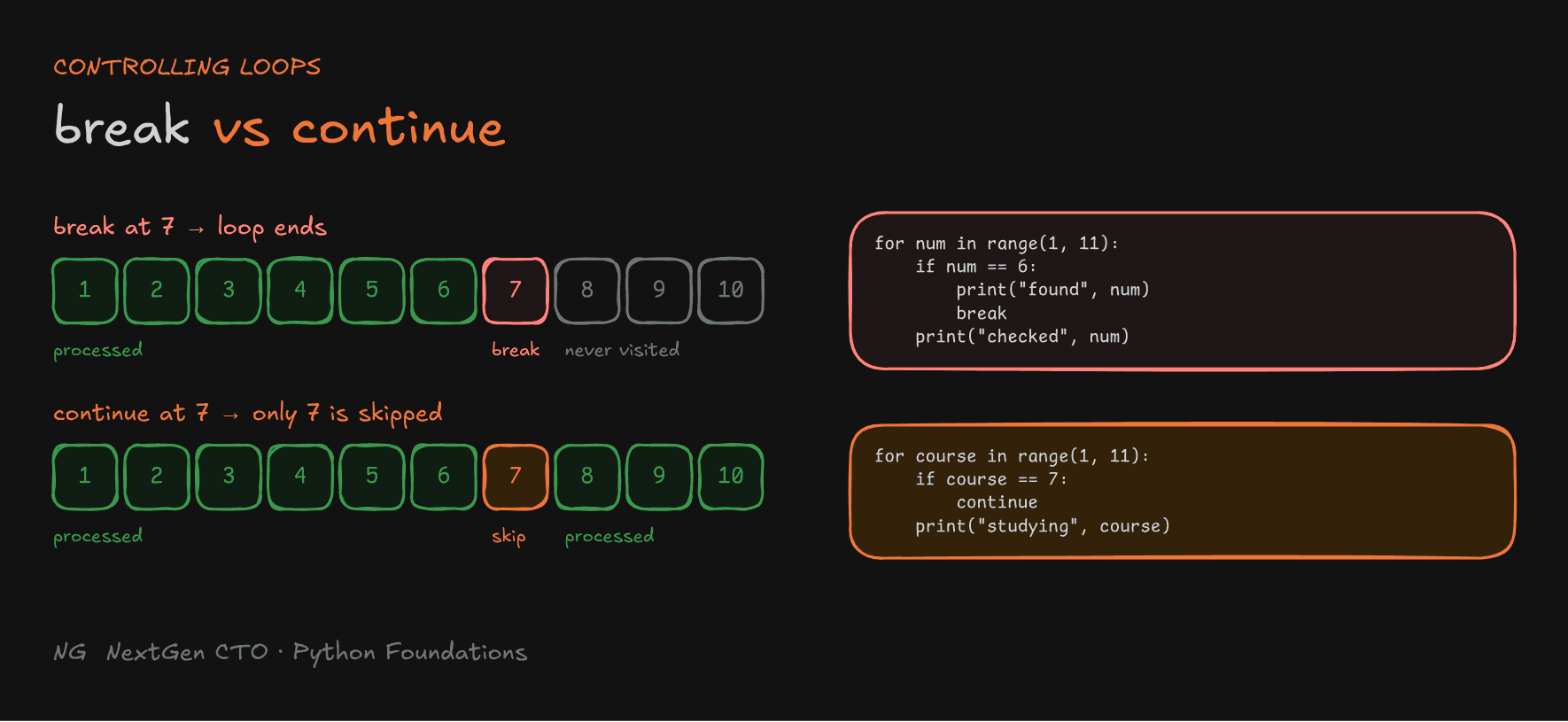
The break Statement
break immediately terminates the nearest enclosing loop. All remaining iterations are skipped, and execution continues after the loop. It's ideal for searching: once you've found it, there's no reason to keep looking.
search_num = 6

for num in range(1, 11):
    if num == search_num:
        print(f"Number found: {num}")
        break
    print(f"Checked: {num}")

print("Program completed")
Output: Checked: 1 to Checked: 5, then Number found: 6, then Program completed. Numbers 7 to 10 are never visited.
The continue Statement
continue skips the remaining code in the current iteration and moves on to the next one. It doesn't end the loop. Use it to ignore unwanted values.
for course in range(1, 11):
    if course == 7:
        print(f"Not learning course {course}")
        continue
    print(f"Studying course {course}")

print("All courses done")
Course 7 is skipped. Courses 8, 9 and 10 still run.

The Loop else Clause
This one is special to Python. Java and C++ don't have it.
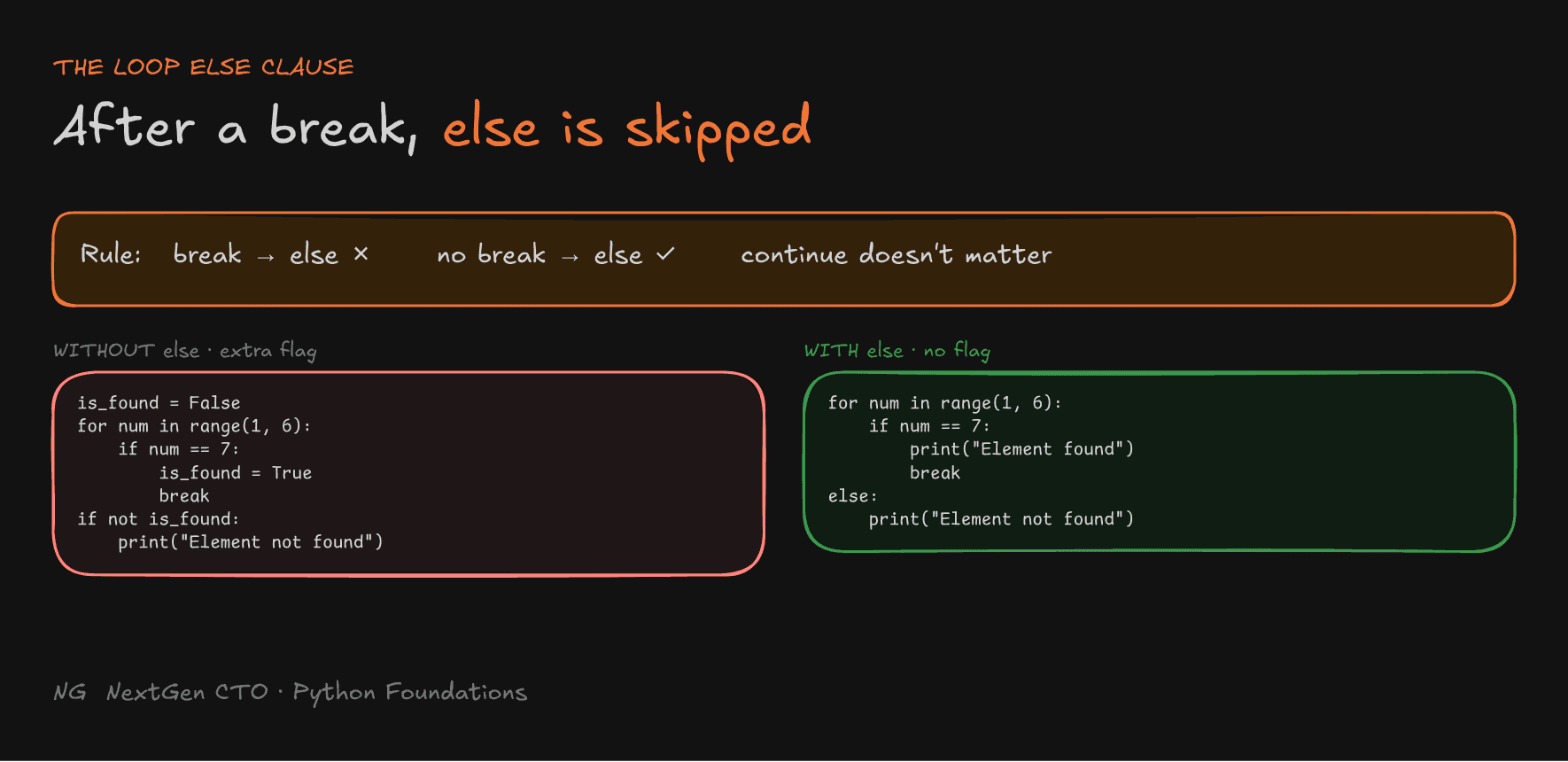
A loop's else block runs when the loop finishes normally, meaning without hitting break.
The one rule to remember:
breakhappened →elseis skipped. Nobreak→elseruns.
continue doesn't affect it. Skipping some iterations still counts as finishing normally.
It's perfect for searching for something that might not exist. Without else, you need an extra flag variable:
# Without else: an extra flag
element = 7
is_found = False

for num in range(1, 6):
    if num == element:
        is_found = True
        break

if not is_found:
    print("Element not found")
With else, the flag disappears:
# With else: no flag needed
element = 7

for num in range(1, 6):
    if num == element:
        print("Element found")
        break
else:
    print("Element not found")
Read it as "for each number… else (if we never broke out), not found". It's less code, and it says exactly what it means.

Loop Controls with while
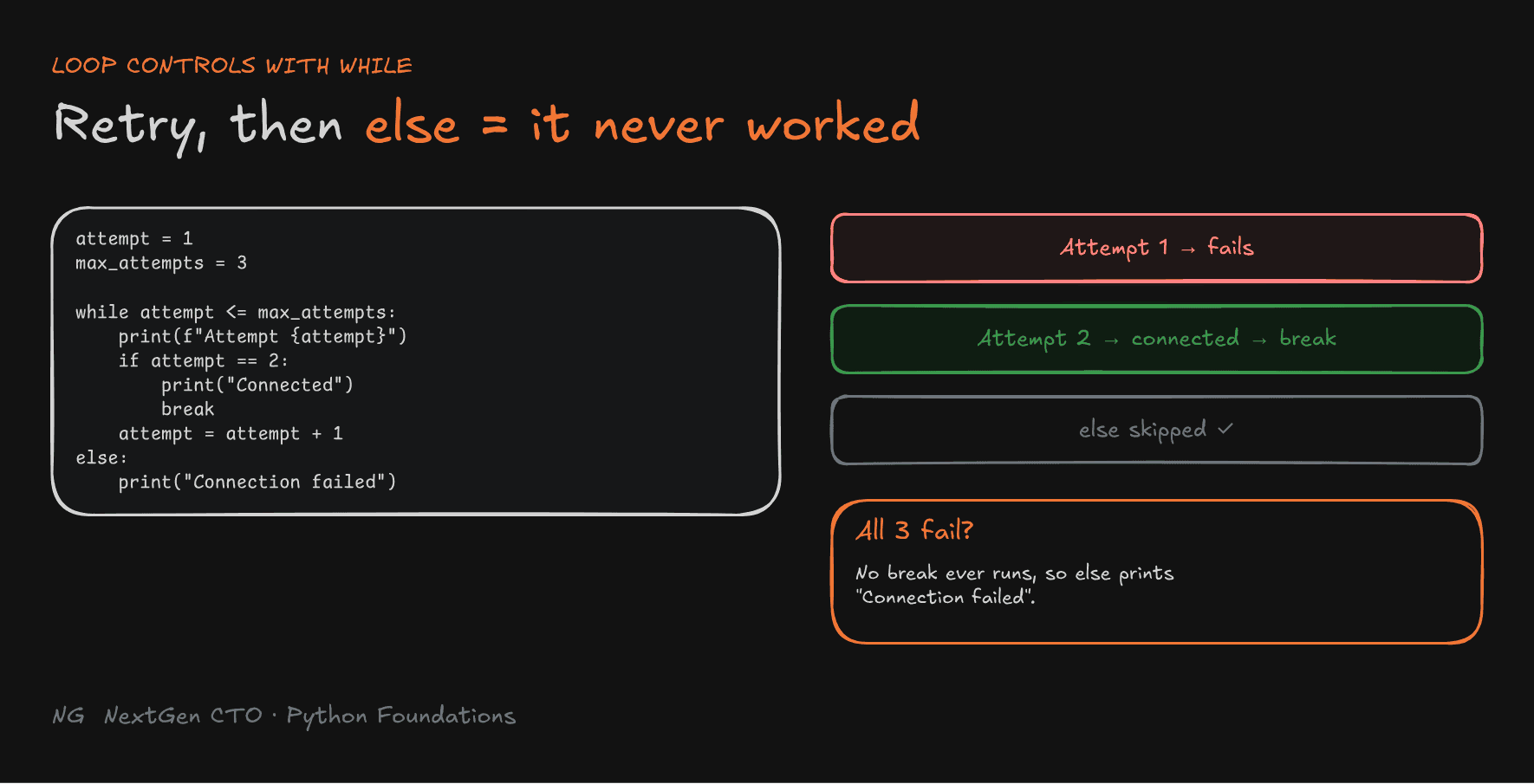
break, continue and else work the same way with while. The classic use is retrying an operation, like connecting to a server:
attempt = 1
max_attempts = 3

while attempt <= max_attempts:
    print(f"Trying to connect, attempt {attempt}")
    if attempt == 2:                     # pretend the 2nd attempt succeeds
        print("Client connected to the server")
        break
    attempt = attempt + 1
else:
    print("Connection failed")           # only if no attempt succeeded

print("Program completed")
If every attempt fails, break never runs, so else prints Connection failed. The else gives the code semantic meaning: "we tried, and it didn't happen".

Key Takeaways
- A
forloop runs its body once per item in an iterable, and moves to the next item automatically. - Iterable = the factory with the items. Iterator = the part that remembers state and hands out the next item.
range(start, stop, step): start included, stop excluded. It stores only those three values, so it's memory-efficient.- Use a negative step to count backwards. A step of
0is an error, and a wrong direction gives an empty range. - Use
_when you don't need the loop variable. Use the accumulator pattern for running totals. breakstops the loop.continueskips to the next iteration.- A loop's
elseruns only if the loop finished withoutbreak. It replaces "found" flags, and is perfect for searches and retries.
The main principle: let the language do the bookkeeping, so your code says only what it means.
Up next → Section 5: Python Data Structures (Lists)