
Python Fundamentals Series · Part 2 of 3
Python #1: Learn Python from Scratch | First Program, Comments & Documentation
Python Foundations · Part 1 of 23
Python 101: What Python Is, Why It's Everywhere, and the Zen Behind It
A beginner-friendly start to Python. No coding background needed, just curiosity and practice.
 Python is one of the first languages most engineers learn, and one they keep using for the rest of their careers. This first part covers what Python is, where it's used, why it's so popular, and the ideas behind how good Python code is written.
You don't need to install anything yet. Every exercise here runs in any online Python compiler. We'll set up VS Code properly in a later part.
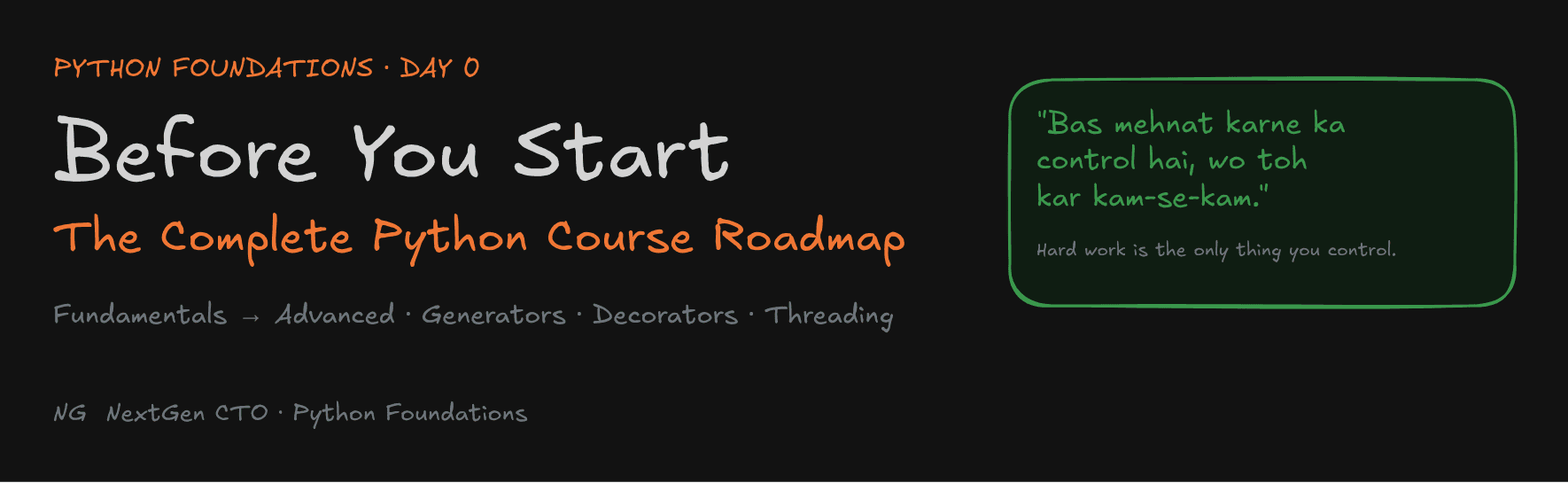
What Is Python?
Python is a high-level, general-purpose programming language.
- High-level means it hides the hardware from you. You don't write instructions for the CPU or memory. You write something close to plain English, and Python handles the low-level work through layers of abstraction.
- General-purpose means it isn't tied to one kind of problem. You can build many different types of software with it.
Python was created by Guido van Rossum and first released in 1991. Its biggest strength is simple syntax: creating variables, writing conditions and defining functions take less ceremony than in most languages. Code that is easy to write is also easy to read.

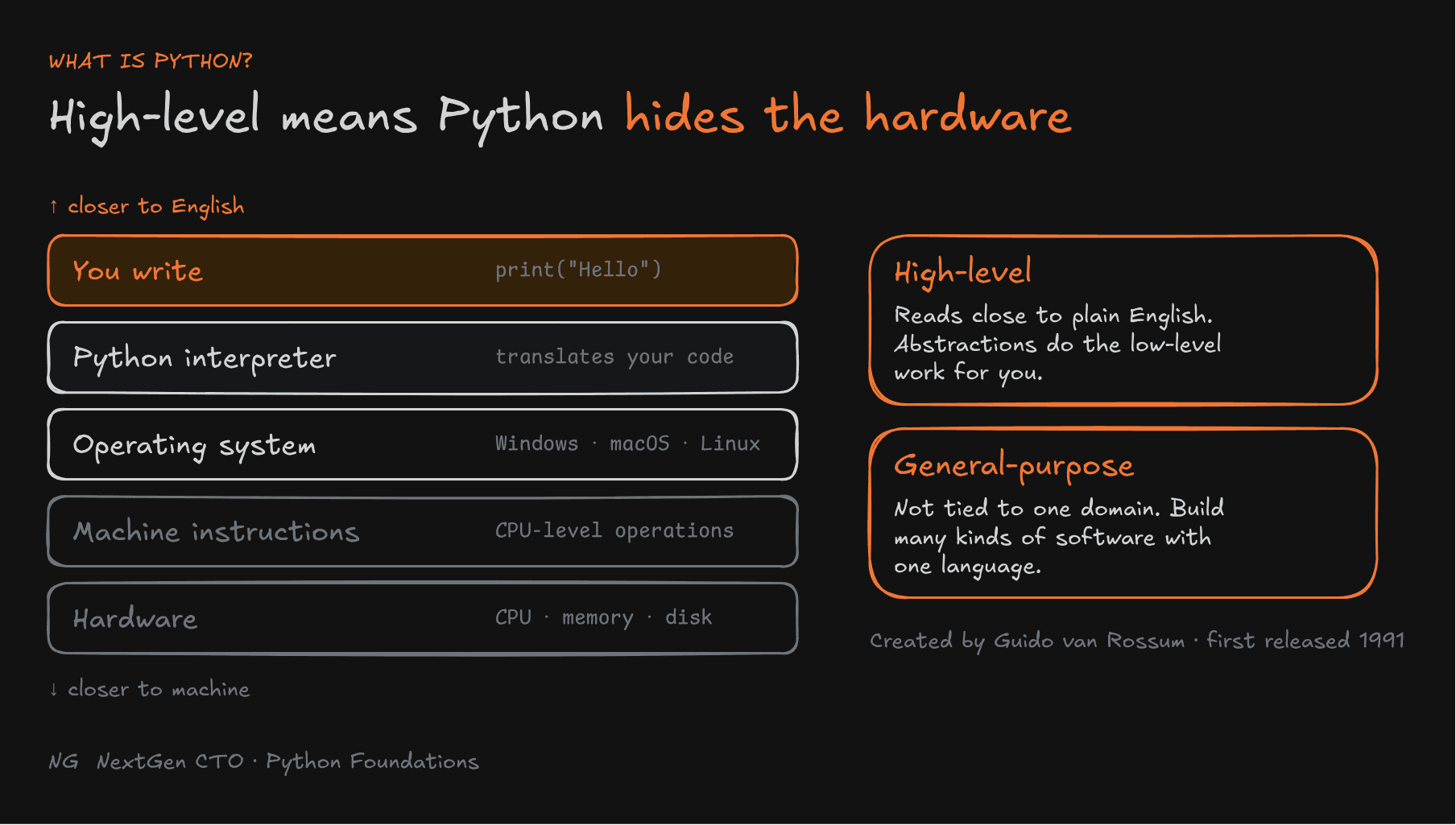
Where Python Is Used
- Web development: Django, one of the most popular backend frameworks, is written in Python.
- Automation and testing: test suites and automation scripts for all kinds of products.
- AI: machine learning and AI work are largely done in Python.
- Data analysis and data science: cleaning, analysing and modelling data.
Python also supports three styles of programming: procedural, object-oriented and functional. You don't need to know what these mean yet. Just know that Python lets you write in all three.

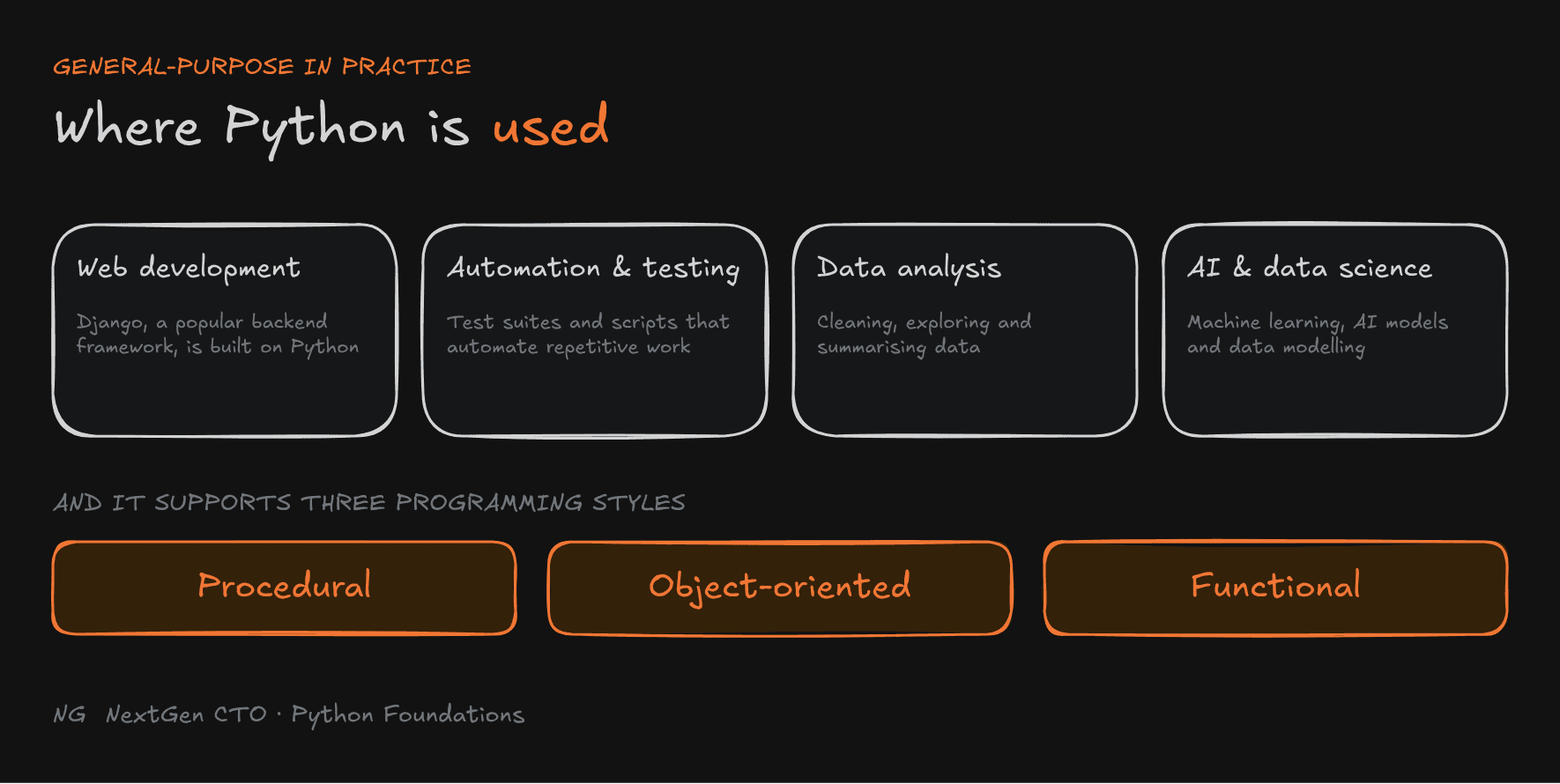
Why Python Is So Popular
1. It reads almost like English. Look at this:
age = 20

if age >= 18:
    print("You're eligible to vote.")
else:
    print("You're not eligible to vote.")
Even without knowing Python, you can tell what this does.
2. A large standard library. Python ships with built-in tools for files, the operating system, data structures and more.
3. A huge ecosystem. Need to make an API call or work with a network? Someone has almost certainly built a library for it.
4. Cross-platform. The same code runs on Windows, macOS and Linux.
5. Versatile. One language across web, automation, data and more.
6. A big community. The more popular a language is, the more help, tutorials and libraries you'll find.
7. Modern features. As new technology arrives, the community brings it to Python quickly.
Who This Course Is For
College students, beginners, software engineers, backend developers, data professionals and automation engineers. There are no prerequisites. Stay consistent, practise every exercise, and you'll have a full grasp of the language.
Note: Use any Python version 3.11 or above for this course.
Python's Philosophy: Easy to Write, Read and Maintain
Python was designed so code is easy to write, easy to understand and easy to maintain.
Maintenance matters more than beginners expect. Say you ship a product, P1. Later you add features and release P1-v2. Now your team maintains both versions. If the code is simple and readable, anyone on the team can pick it up and work on it, not just the person who wrote it.
The Zen of Python
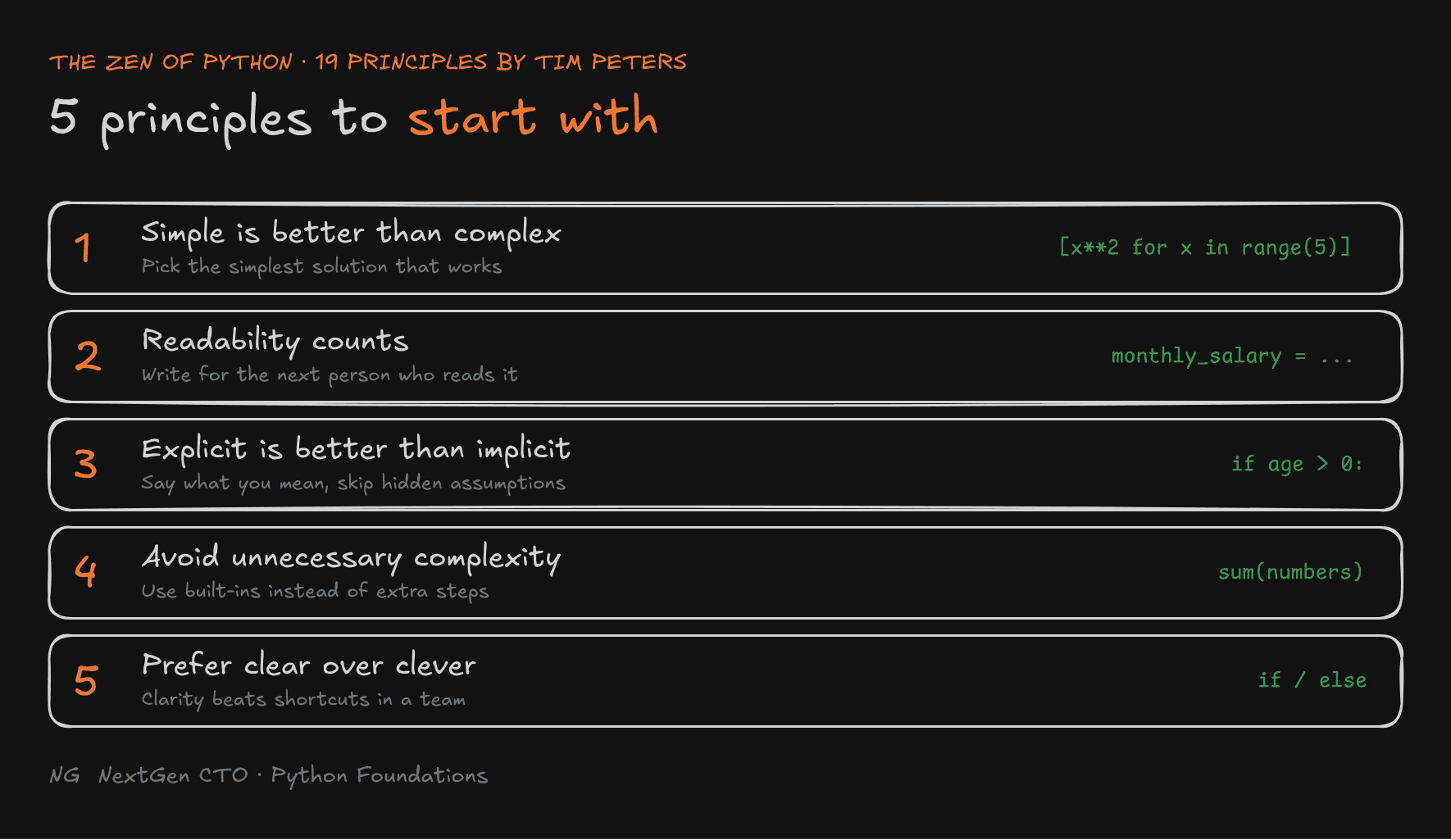
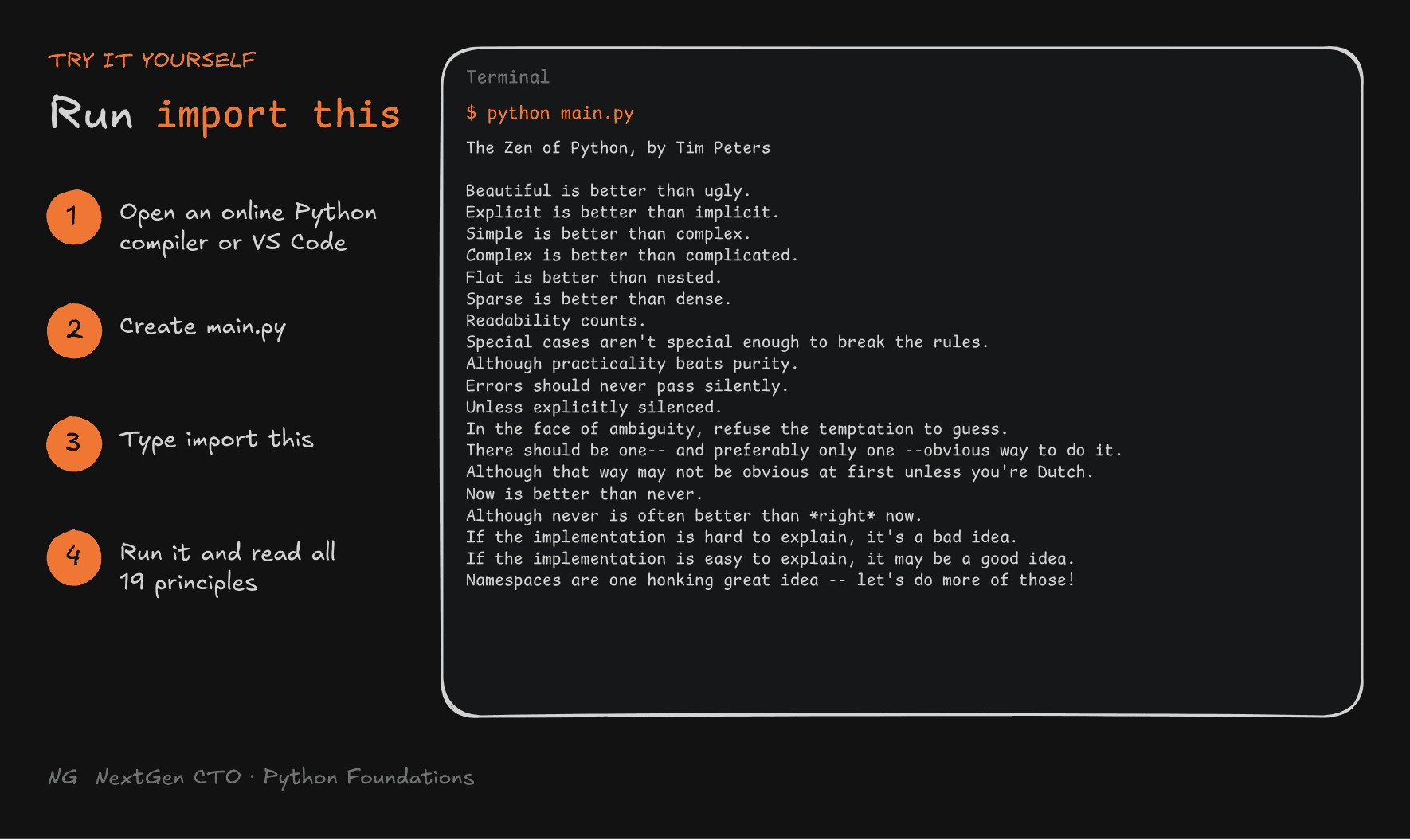
The Zen of Python is a set of 19 guiding principles, written by Tim Peters, that describe how good Python code should be written. Here are five that matter most when you're starting out.

1. Simple Is Better Than Complex
Choose the simplest solution that solves the problem. Both lines below produce [0, 1, 4, 9, 16]:
# Harder to read
squares = list(map(lambda x: x**2, range(5)))

# Simpler
squares = [x**2 for x in range(5)]
2. Readability Counts
Write code that other people can understand at a glance.
# What do these mean?
x = 500
y = 18
z = x * y

# Clear
salary_per_day = 500
working_days = 18
monthly_salary = salary_per_day * working_days
3. Explicit Is Better Than Implicit
State your intention clearly. Don't rely on hidden assumptions.
age = 20

# Implicit: relies on knowing that 0 counts as False in Python
if age:
    print("Valid age")

# Explicit: the condition says exactly what you mean
if age > 0:
    print("Valid age")
Both work. But the first one only makes sense if the reader already knows how Python treats 0. The second one needs no extra knowledge.
4. Avoid Unnecessary Complexity
Don't add extra steps when a built-in feature already does the job.
numbers = [10, 20, 30]

# Extra steps
total = 0
for number in numbers:
    total = total + number

# Built-in
total = sum(numbers)
5. Prefer Clear Solutions Over Clever Tricks
Shortcuts are tempting, especially if you do competitive programming. In a professional team, other people have to read and change your code, so clarity wins.
age = 20

# Compact, but harder to scan
print("adult" if age >= 18 else "minor")

# Clear
if age >= 18:
    print("adult")
else:
    print("minor")
Note: Points 4 and 5 are practical takeaways in the spirit of the Zen, not word-for-word lines from it. Run
import thisbelow to see the exact 19.
What Is Pythonic Code?
Pythonic code is code that follows Python's natural style and best practices, the principles above. Writing Pythonic code is a core goal of this course.
Try It Yourself: import this
- Open any online Python compiler (search "Python online compiler"), or VS Code if you already have it.
- In VS Code, create a folder called
01-introduction-to-pythonand a file calledmain.py. - Type this single line:
import this- Run it. In VS Code, right-click and choose Run Python File in Terminal.
All 19 principles of the Zen of Python will print to your screen.

How Python Executes Your Code
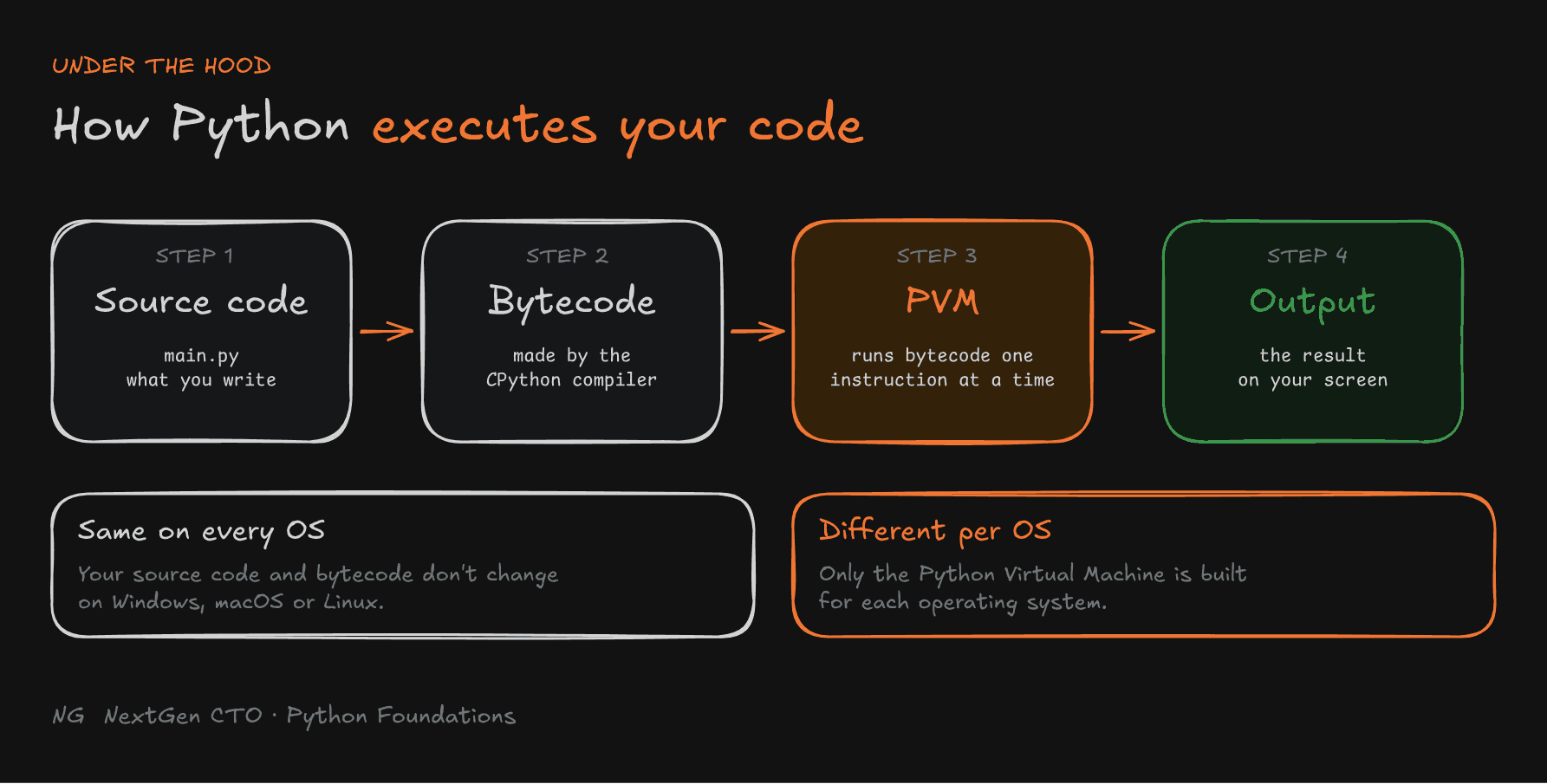
You wrote import this in main.py and pressed run. Here's what happens between that click and the output on your screen.

- Source code (
main.py): the code you write. - Bytecode: the CPython compiler converts your whole file into bytecode. Bytecode is a list of small, simple instructions. It isn't machine code that the CPU understands directly. It sits one level above that.
- Python Virtual Machine (PVM): the PVM reads the bytecode one instruction at a time and carries each one out on your CPU.
- Program output: you see the result.
The important part: your source code and its bytecode are the same on Windows, macOS and Linux. What changes is the PVM. Each operating system has its own version, and that version does the work of talking to the machine. That's why the same Python file runs everywhere without any changes.
Interpreted vs Compiled
Because the PVM executes bytecode instruction by instruction, Python is called an interpreted language. There is a compile step (source to bytecode), but it happens behind the scenes and you never see it.
C and C++ work differently. They are compiled languages: the compiler turns your source code straight into machine instructions for one specific operating system and CPU. That makes them fast, but a program built for Windows won't run on macOS or Linux. You have to compile it again for each platform.

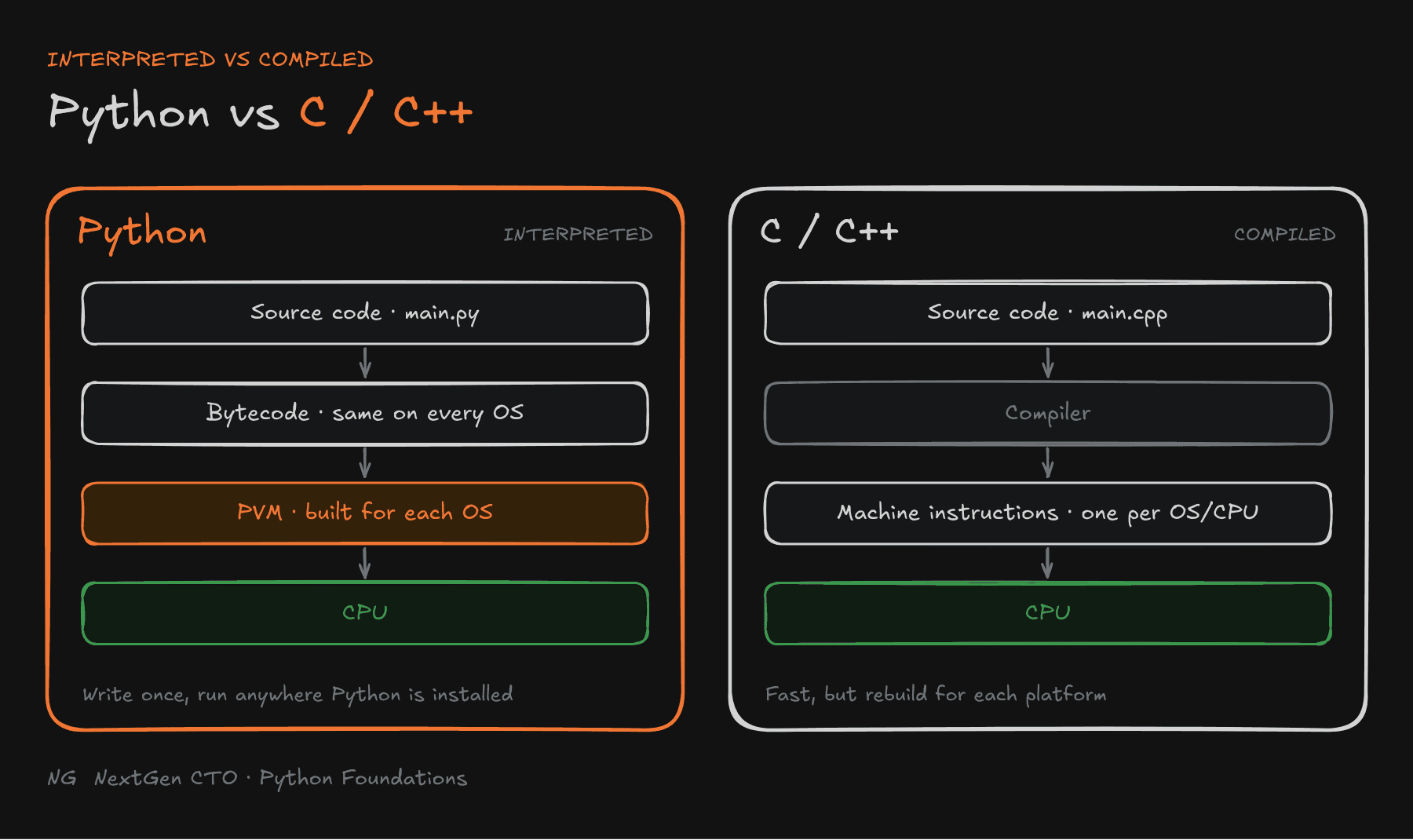
Note: You don't need to memorise this now. Just remember: source code → bytecode → PVM → output. It'll make more sense as you write more code.
Key Takeaways
- Python is a high-level, general-purpose language, created by Guido van Rossum and first released in 1991.
- It's used across web development, automation, testing, data analysis and data science.
- It's popular because it's readable, has a large standard library, a huge ecosystem, runs cross-platform, and has a big community.
- The Zen of Python gives 19 principles for writing clean code. Start with: simple over complex, readability counts, explicit over implicit.
- Pythonic code follows those principles.
- Python runs as source code → bytecode → Python Virtual Machine → output, which makes it an interpreted language. C and C++ are compiled languages.
The main principle: write code for the next person who reads it, not to impress them.
Up next → Part 2.1: Your First Python Program