
Python Fundamentals Series · Part 3 of 3
Python #2: Variables, Float & Bool | From Fundamentals to Advanced Concepts
Python Foundations · Part 2 of 23
Your First Python Program: Statements, Indentation, Syntax Errors and Comments
Write your first lines of Python, learn the rules Python enforces, and start writing code that other people can understand.
 In Part 1 you learned what Python is and how it runs your code. Now you'll write some. This part covers your first program, the two rules beginners trip over most (indentation and syntax), the cycle every programmer works in, and how to explain your code with comments and docstrings.
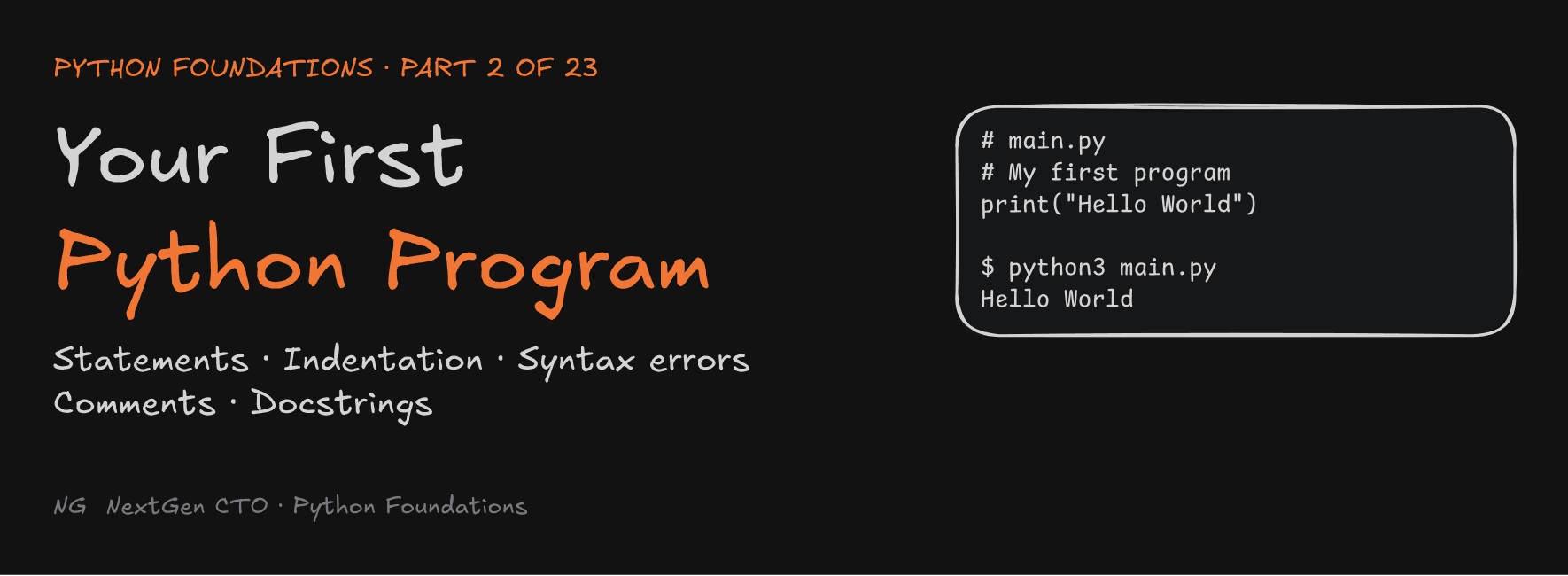
Your First Python Program
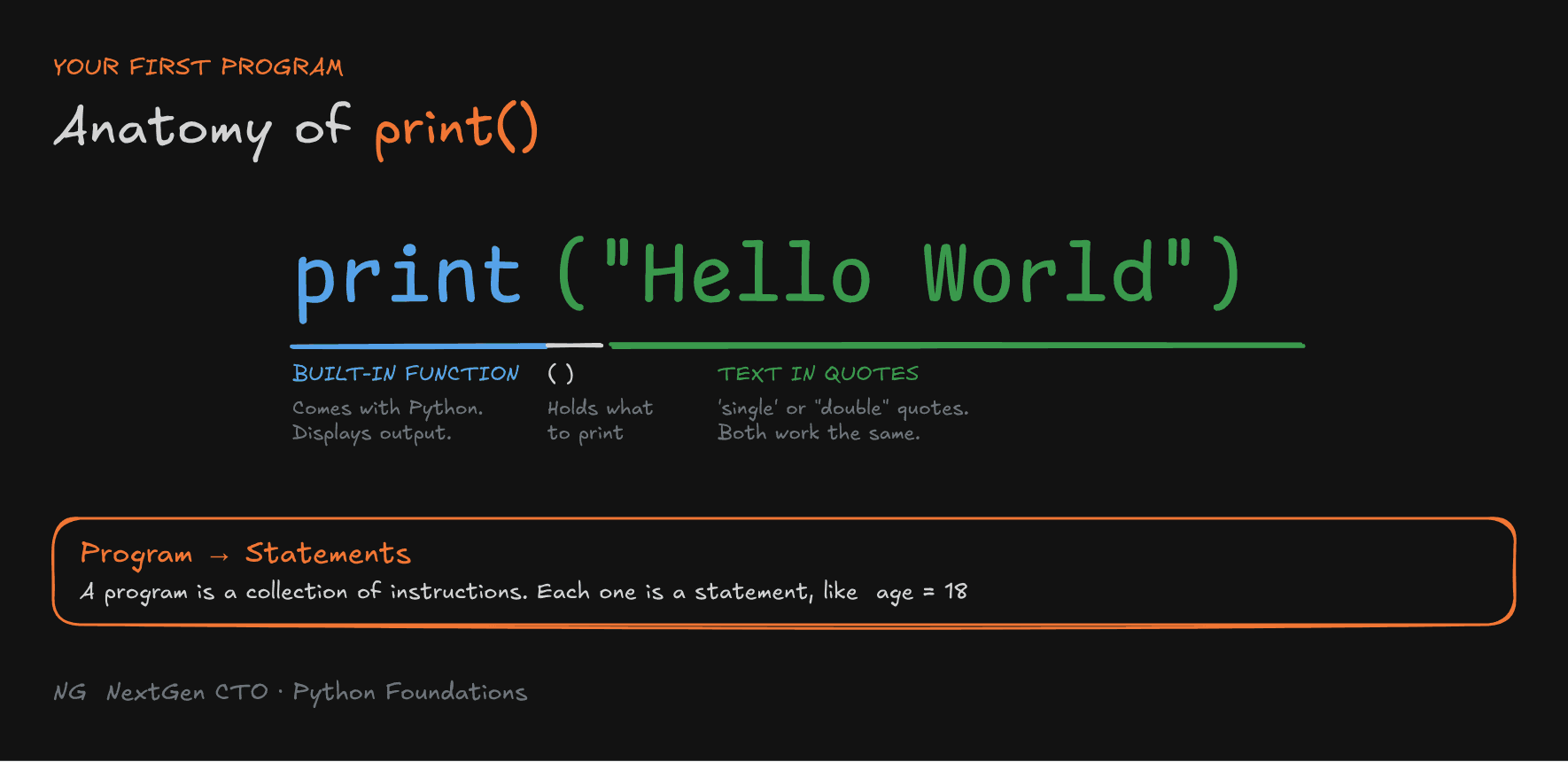
A program is a collection of instructions. In Python, each instruction is called a statement.
A statement is a single unit of Python code that performs an action or controls how the program runs. For example, this line is a statement:
age = 18Here's the classic first program:
print("Hello World")print()is a built-in function. It comes with Python and displays output on the screen."Hello World"is the text you want to show. Text must be wrapped in single quotes ('...') or double quotes ("..."). Both work the same way.
print("Hello World")
print('Hello World') # same output Run it: save the code in
main.py. In VS Code, right-click and choose Run Python File in Terminal, or type python3 main.py in the terminal.
Indentation in Python
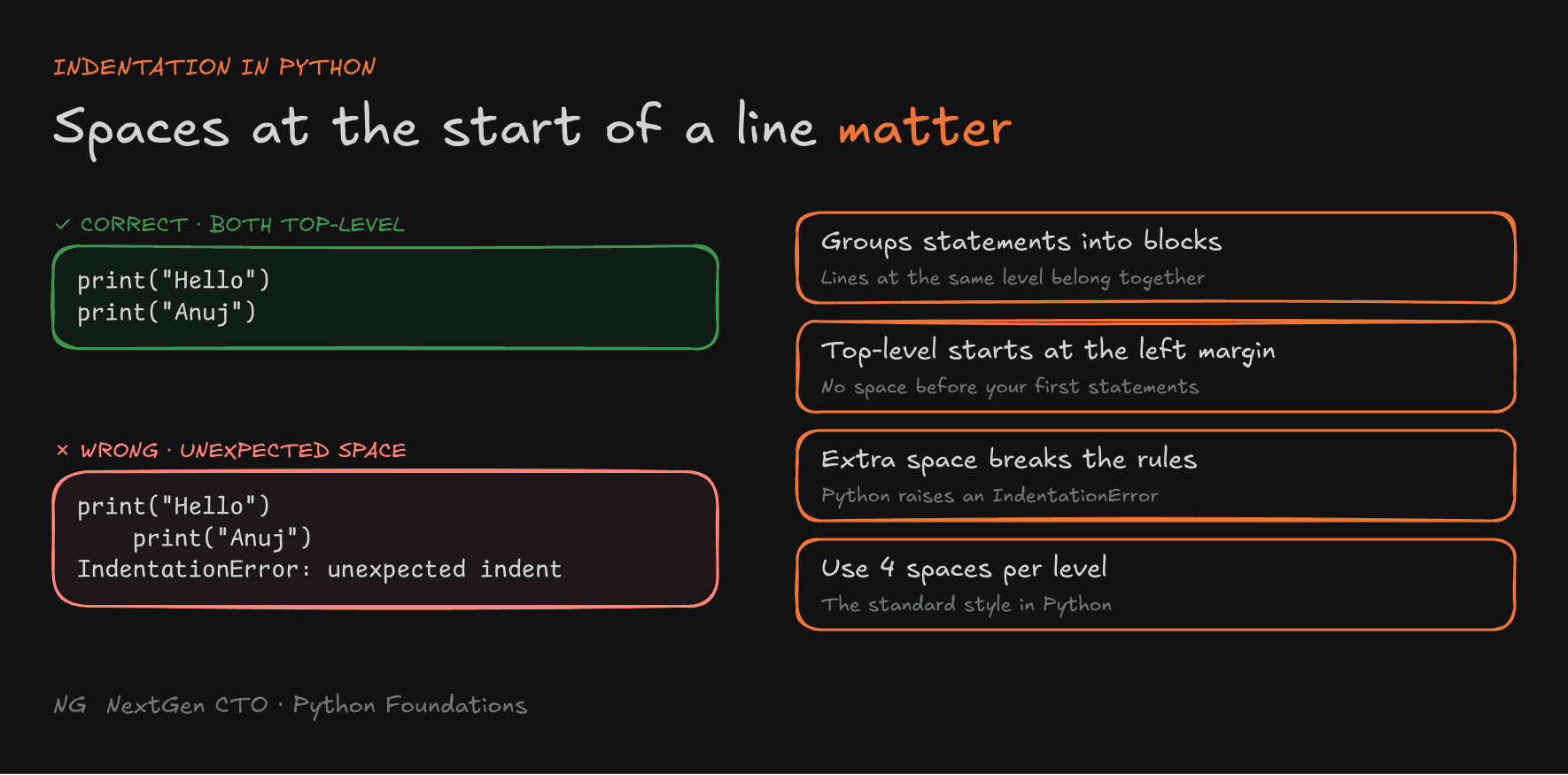
Indentation means the space at the beginning of a line.
In most languages, indentation only makes code look tidy. In Python, it's part of the rules. Python uses indentation to group statements into blocks. A block is a set of lines that belong together.
- Top-level statements start at the left margin, with no space before them.
- Extra indentation where Python doesn't expect it causes an
IndentationError. - Use 4 spaces for each level of indentation.
# ✅ Correct: both lines are top-level
print("Hello")
print("Anuj")
# ❌ Wrong: the second line is indented for no reason
print("Hello")
print("Anuj")Running the wrong version gives:
IndentationError: unexpected indent
You'll see where indentation is required when we reach conditions, loops and functions.

Understanding Syntax Errors
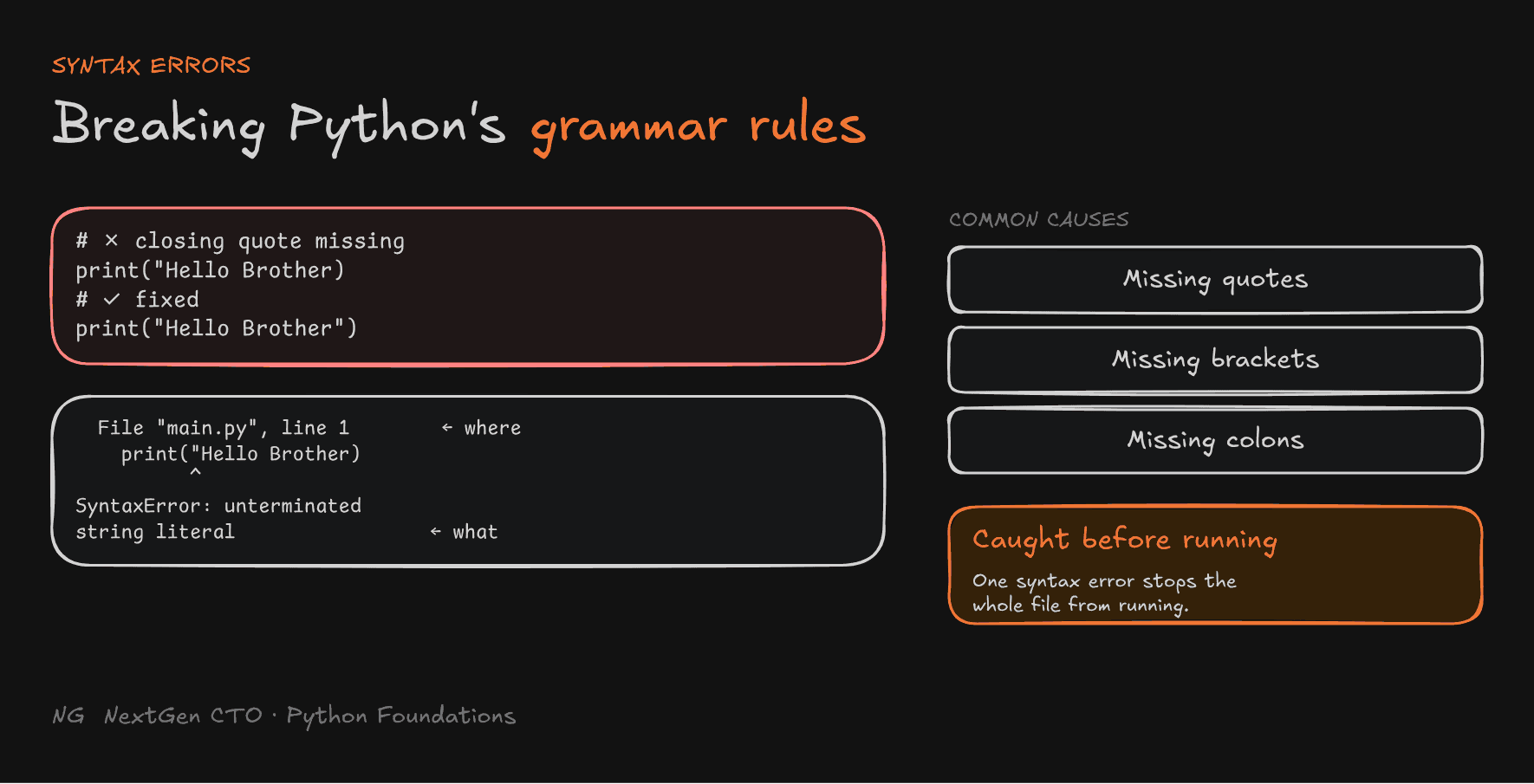
Every language has grammar. English has rules about where full stops go, and Python has rules about quotes, brackets and colons. A syntax error happens when you break one of Python's grammar rules.
Common causes:
- missing quotes
- missing or extra brackets
- missing colons
print("Hello Brother)    # ❌ closing quote is missing
print("Hello Brother")   # ✅
Python tells you the type of error and where it is:
  File "main.py", line 1
    print("Hello Brother)
          ^
SyntaxError: unterminated string literal (detected at line 1)
Read the error message, go to the line number it gives, and fix that line.
Python checks syntax before the program starts running. So if there's a syntax error anywhere in your file, none of the file runs, not even the correct lines above it.

The Programming Cycle
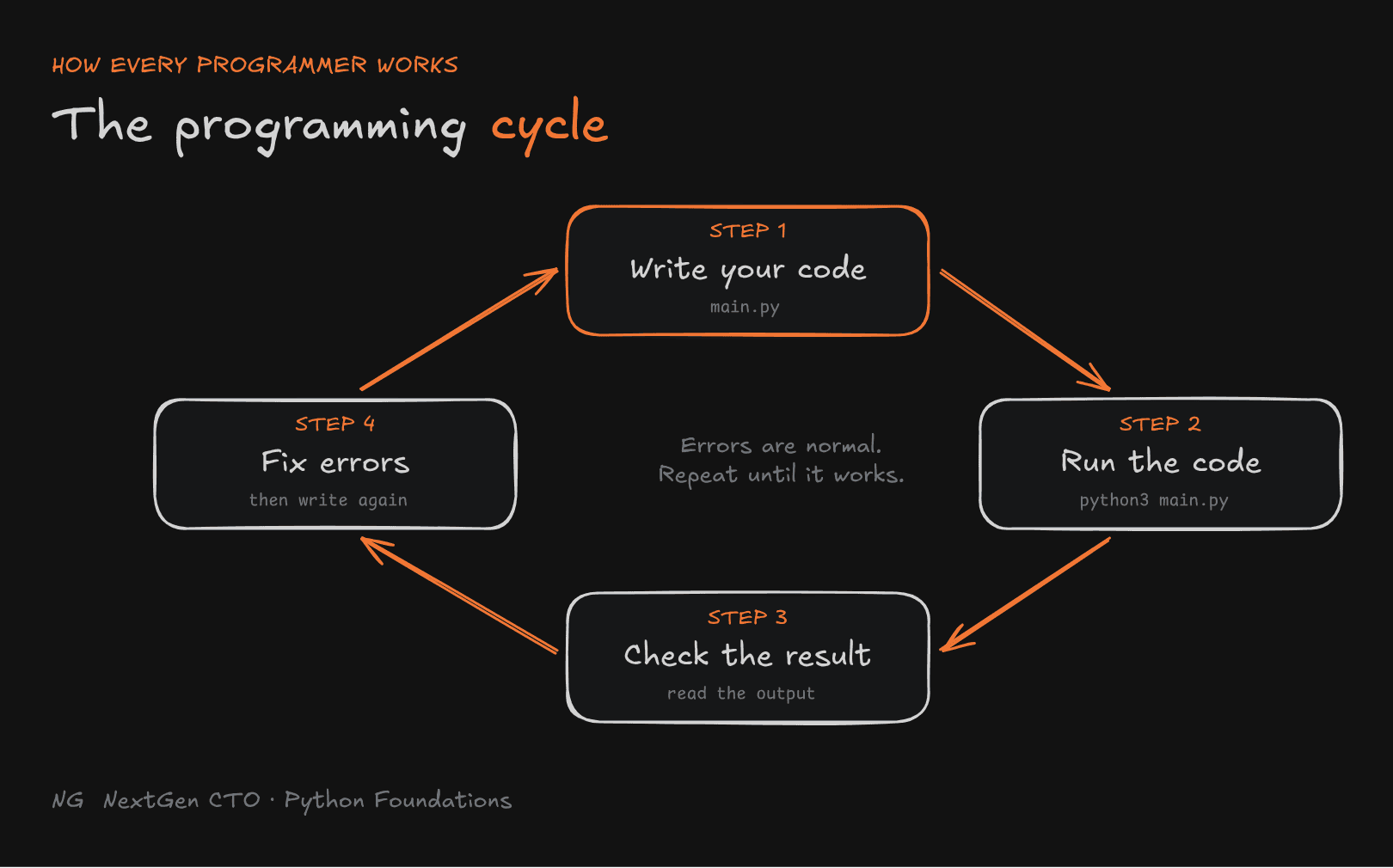
Whether you're writing your first print(), solving a LeetCode problem or building a feature at work, you repeat the same four steps:
- Write your code
- Run the code
- Check the result
- Fix errors, then go back to step 1
Getting errors is a normal part of programming. Every programmer, at every level, works this way.

Why Comments and Documentation Matter
Code tells the computer what to do. Comments help developers understand the code. Documentation explains what the code is for.
Here's why that matters:
- Code becomes easier to read, debug and maintain.
- When you work in a team, others can understand your code without asking you.
- When you revisit code months later, you'll understand your own reasoning.
- It prevents mistakes. If a comment says why a line is needed, nobody deletes it thinking it's useless.
Single-Line Comments
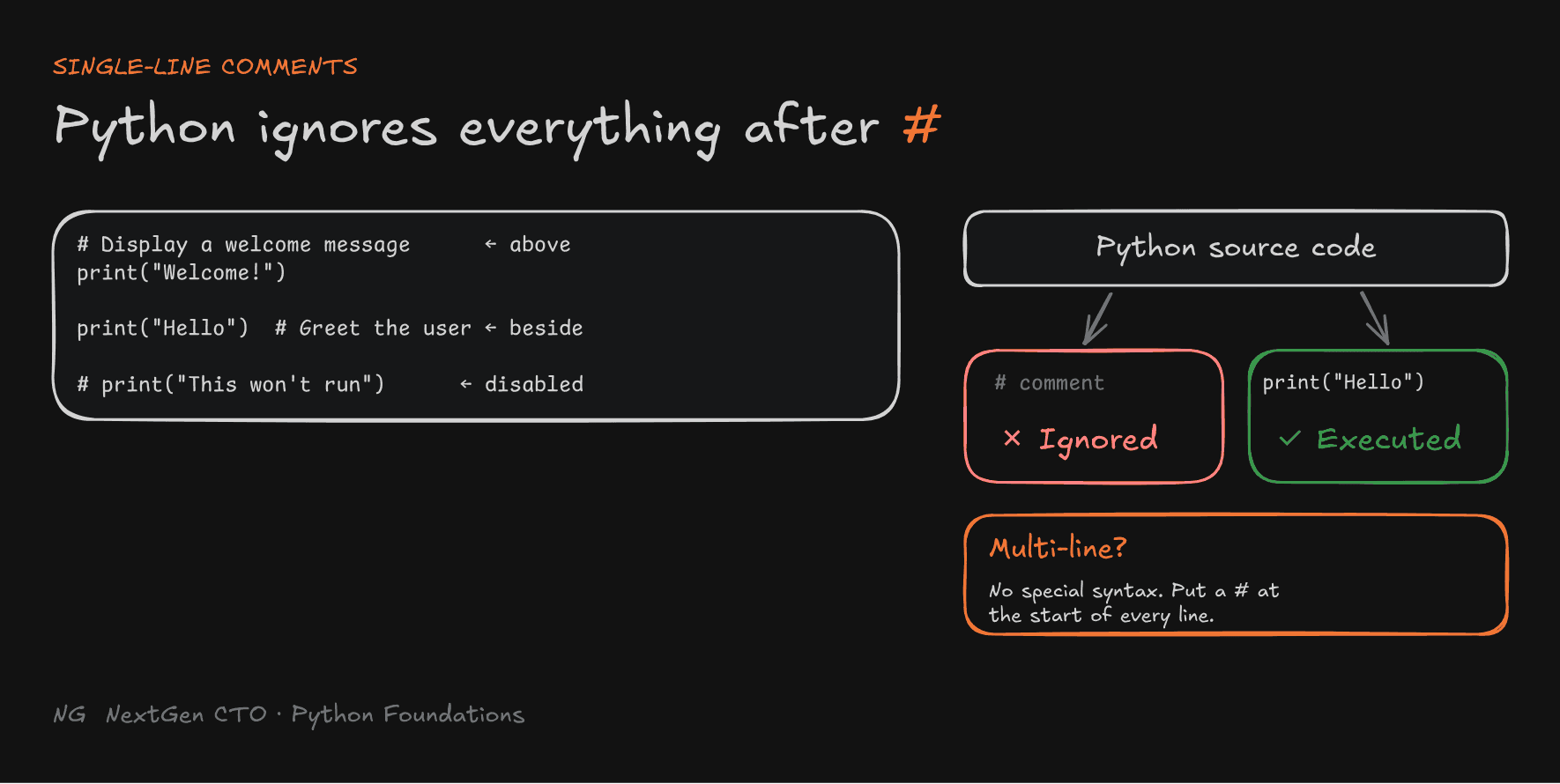
Use # to write a comment. Python ignores everything after # on that line. Comments are not executed.
# Display a welcome message
print("Welcome!")

print("Hello")  # Greet the user

# print("This won't run")
There are three ways to use #:
- Above code: to explain the line below.
- Beside code: to add a short note on the same line.
- In front of code: to temporarily disable a line without deleting it. This is useful while testing.

Multi-Line Comments
Python has no dedicated multi-line comment syntax. To write a longer explanation, put # at the start of each line:
# Check whether the user is eligible
# to vote based on their age
age = 20
print(age >= 18)
Note: You may see people use triple quotes (
"""...""") as multi-line comments. Technically that's a string that Python creates and then throws away, not a comment. Stick to#for comments, and use triple quotes for docstrings (next section).
Documentation Strings (Docstrings)
Imagine a function called make_tea(). Inside it are all the steps: boil water, add tea leaves, sugar, milk, ginger, then strain. Anyone who wants tea just calls make_tea(). But how do they know what it does without reading every step? That's what a docstring is for.
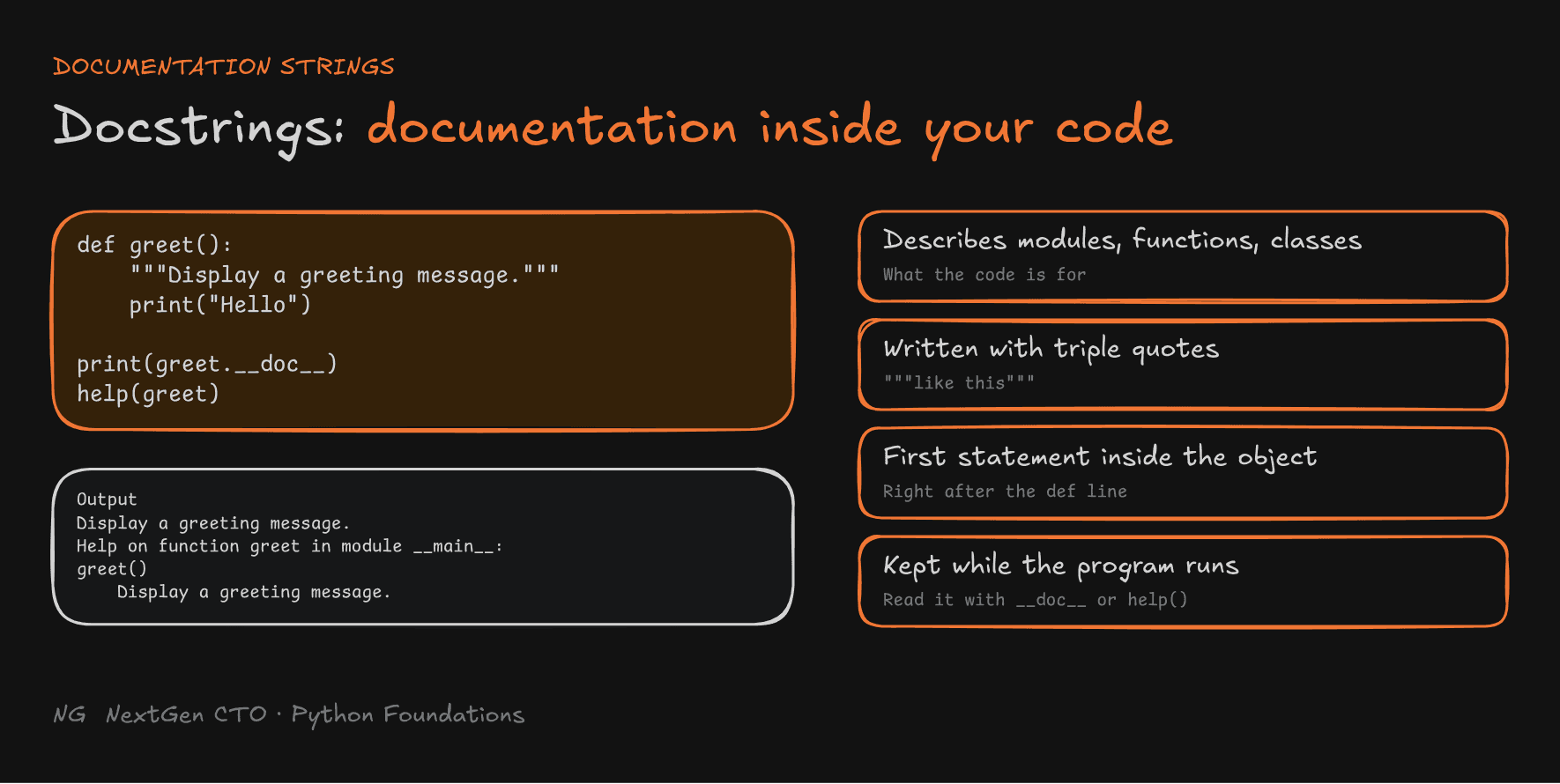
A docstring describes what a module, function or class does.
- It's written with triple double quotes:
"""...""" - It must be the first statement inside the function, class or module.
- Unlike a comment, it is not ignored. Python keeps it attached to the function, so you can read it while the program runs.
def greet():
    """Display a greeting message."""
    print("Hello")

print(greet.__doc__)
Output:
Display a greeting message.
You can also use the built-in help() function:
help(greet)Help on function greet in module __main__:
greet()
Display a greeting message.
Don't worry about def yet. We'll cover functions properly later. For now, just remember that docstrings live inside the code and can be read while the program runs.
Tip:
help()works on Python's built-in functions too. Tryhelp(print)to read its documentation without searching online.

Writing Good Comments
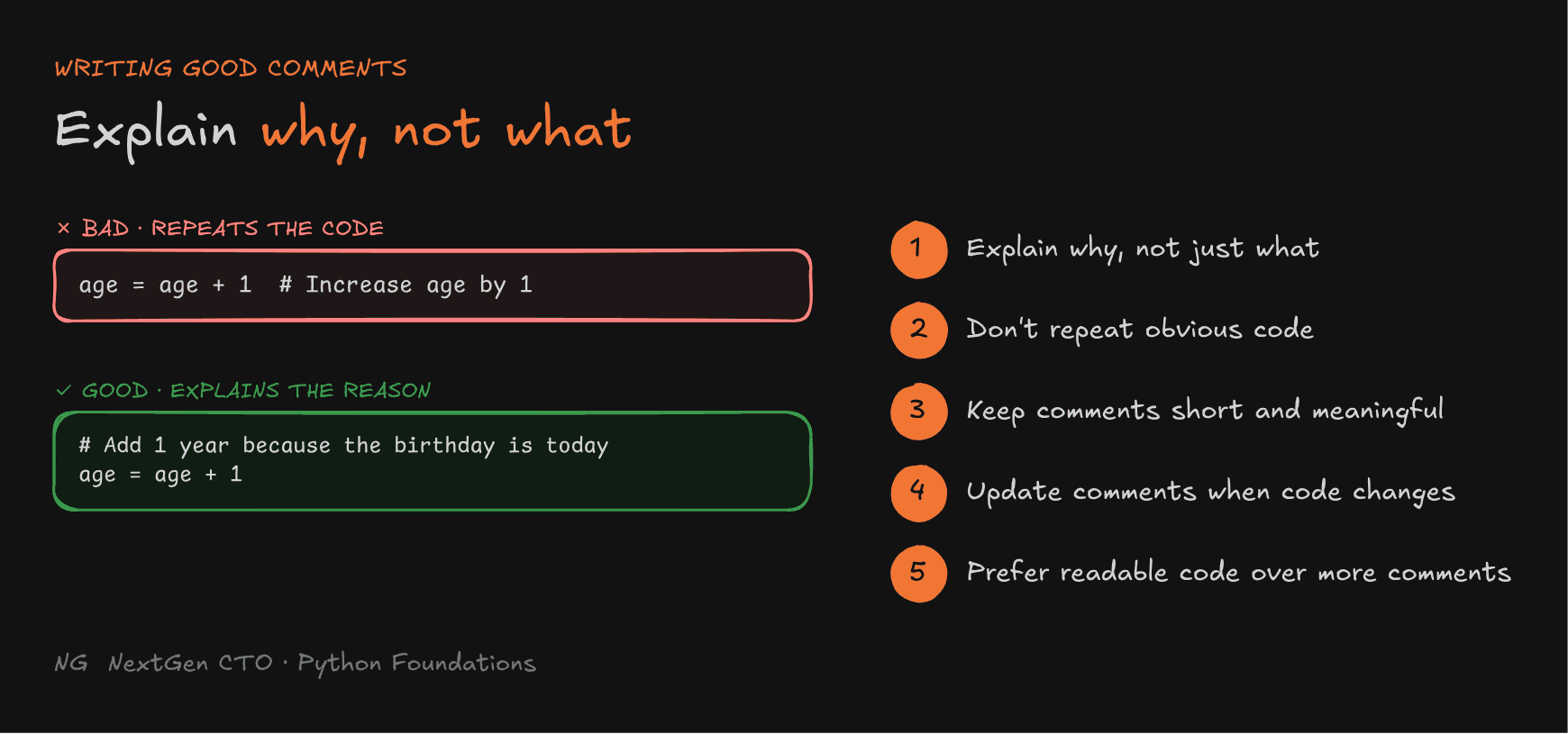
1. Explain why, not what. The code already shows what it does.
# ❌ Bad: repeats what the code says
age = age + 1  # Increase age by 1

# ✅ Good: explains the reason
# Add 1 year because the birthday is today
age = age + 1
2. Avoid repeating obvious code. If the code is clear, it doesn't need a comment.
3. Keep comments short and meaningful. One clear line beats a paragraph.
4. Update comments when code changes. An outdated comment is worse than no comment, because it misleads the reader.
5. Prefer readable code over excessive comments. A good name like monthly_salary explains more than a comment next to z. Make the code clear first, then add comments only where they help.

Key Takeaways
- A program is a collection of statements.
print()is a built-in function that displays output, and text goes in single or double quotes. - Indentation groups statements into blocks. Top-level code starts at the left margin, and each level uses 4 spaces.
- A syntax error means you broke Python's grammar rules. Python names the error and its line, and checks syntax before running anything.
- Programming is a loop: write → run → check → fix.
#comments are ignored by Python. Use them above or beside code, or to disable a line.- Docstrings (
"""...""") document functions, classes and modules, and can be read with__doc__orhelp(). - Good comments explain why, stay short, and stay up to date.
The main principle: your code tells the computer what to do, and your comments tell the next developer why.
Up next → Part 3: Variables and Types